A list of cool features I've added to my guestbook website
Heya! So, it's been a while since I've last talked about my guestbook website, guestbooks.kamiscorner.xyz. And while development has slowed down a tad due to me being fairly busy, I did still add a couple of fun features - Which I'll talk about in this post :3
Guestbook RSS Feeds
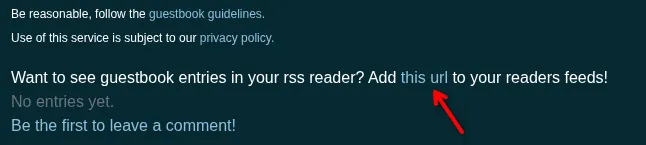
First of all, every guestbook now has its own RSS feed! The whole idea for this feature actually started out as a joke on our matrix server, with me saying that I'd add RSS feeds for guestbooks as part of my evil plan to find new reading material by looking at the websites of the various people submitting guestbook entries. Then I realized that RSS feeds would actually be a pretty good feature to have, since guestbooks doesn't do email notifications for new entries. So, here we are.
Anyways - It's very handy for checking up on whether you've gotten any new guestbook entries. Also RSS is just very fun. You'll see a link to your guestbooks RSS feed on your guestbook entries page!
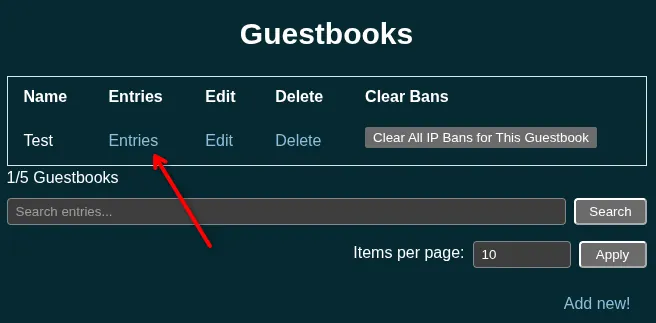
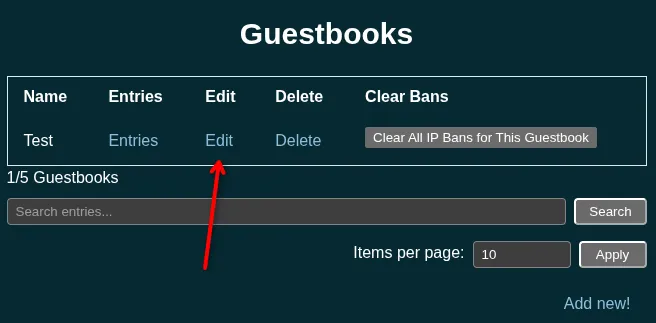
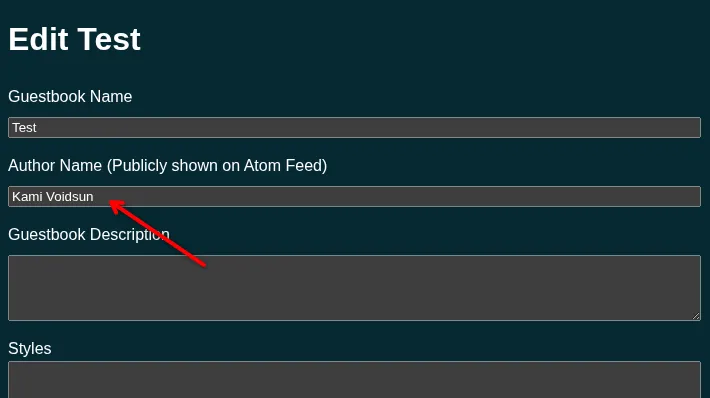
Additionally, I've also added the "Author Name" field to the guestbook settings. You can use this to change the name of the author of your RSS feed - if it's not set, the author name will just be the name of the guestbook. It's also used for a different feature I'll talk about later on.
Markdown Support
This is a fairly simple one, but yes, guestbooks now supports markdown in both guestbook entries and guestbook descriptions. So if you wanna use fancy formatting, go wild! The reason this took a bit for me to add was because i needed to do a tiny bit of additional sandboxing to make sure random people submitting guestbook entries couldn't just mess up the heading order of the entire guestbook page.
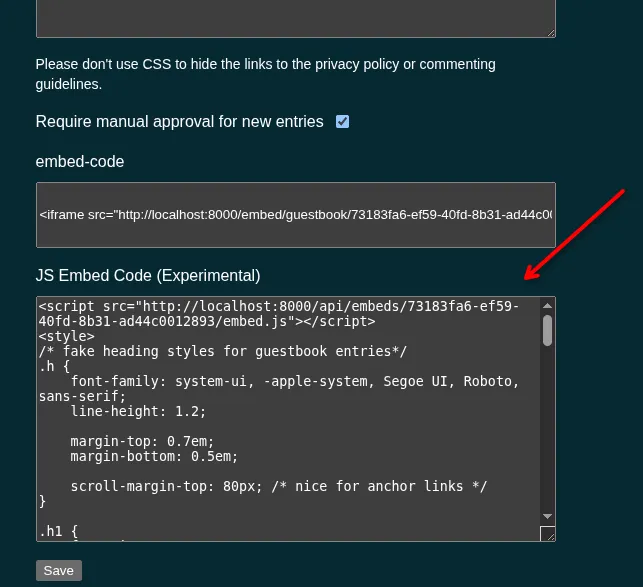
As an aside, if you're currently using the javascript embed, you should copy paste it into whatever page you're using it on once again. I've made some changes to the markup since the embed now requires a bit of custom css for the headings to work properly.
Approval only mode
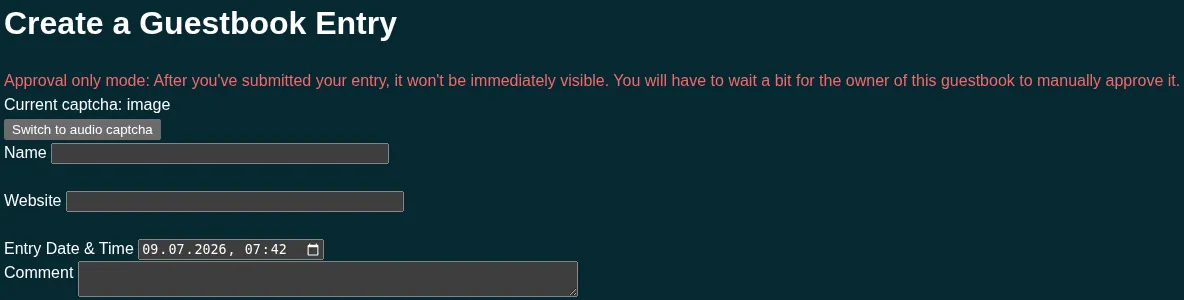
If you've got approval only mode enabled on your guestbook, and you're using either the iframe embed or just linking to the entries page, there's now a little reminder for users that your guestbook is in approval only mode. Fun!
Guestbook Replies
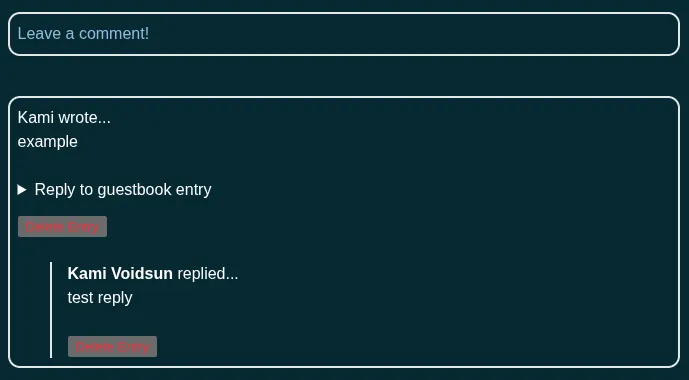
Guestbooks now supports replying to guestbook entries!
Only the guestbook owner can reply to entries, and reply chains are only one level deep. Both of these are intentional, I don't want any flamewars on my guestbook platform lol.
The name used for replies will be the author name you set in your guestbook settings.
Aaaaand, that's about it!
I've obviously also been hard at work fixing bugs, doing general maintenance stuff and keeping up with dependency updates so I don't get hacked, but none of those things are really all that interesting to talk about here. So I won't! Instead, have a look at all these fun, shiny new features! Aren't they great? I'll be adding some more in the future!
Anyways... Thanks for reading, and cya!